How to Choose an Online Course Platform: A Creator's Checklist
To choose an online course platform, start from your course, not from feature lists. Write down what the course has to do (how lessons and homework work, how people pay, where buyers come from), give each area a weight from 1 to 3, and test the heavy areas in a free trial with one real lesson and one test purchase. The platform that passes every must-have and costs a small share of your sales is the right one, even if a competitor has a longer feature page.
This guide is for people who teach and want to sell their own course. If you're looking for a course to take, you want a course catalog or a marketplace, and this checklist won't help much.
Start from your course, not from the feature page
Say you're a dog trainer with a $149 course called Loose Leash in 30 Days. It has 4 modules and 20 short video lessons. After each module, students film a 60-second walk on their phone and send it to you for feedback. You sell mostly through a free 45-minute live workshop each month, "Why your dog pulls", which gets about 60 sign-ups. A few people a month want a $90 private session for a reactive dog, and you book those after a short call.
That paragraph already tells you more than any comparison page. Video homework is the product, so the review screen matters more than a dozen page templates. The monthly workshop is the main sales channel, so webinars can't be an afterthought. Private sessions bring about ten requests a month, which a spreadsheet handles fine, so a CRM is a nice-to-have here.
Write the same paragraph for your course before you open a single pricing page.
The weighted checklist for an online course platform
Most online course platforms cover the same eight areas, some well and some barely. Weight each area for your course: 3 means you can't run the course without it, 2 means you'd pay for a workaround, 1 means nice to have. Then score each platform during its trial: 2 if it works without help, 1 if it needs a workaround or a second paid tool, 0 if it can't do it. Multiply weight by score and add up.
| Area | What to test in the trial | Weight for the dog course |
|---|---|---|
| Lessons and learning | Upload a real lesson video, add homework that accepts a phone video, review it as the teacher | 3 |
| Selling and payments | Connect your own payment account, buy the course with a test card, refund it | 3 |
| Marketing and automation | An email right after payment, a nudge to students who stall | 2 |
| CRM | A private-session request becomes a deal with a task and a date | 1 |
| Webinars | Sign-up page, reminders, an offer during the broadcast, a list of who came | 2 |
| Brand and domain | Your logo, your own web address, emails from your domain | 1 |
| Data and exports | Leads, orders and grades out as files; existing students in | 2 |
| Support, limits and price | Student and storage limits, what happens if you stop paying, how to reach support | 2 |
The weights add up to 16, so the top score is 32. One rule beats the total: a 0 in any weight-3 area takes the platform out. A platform that scores 27 but can't take video homework is useless to the dog trainer. One that scores 23 with no zeros in the 3s stays. Treat totals within three points of each other as a tie, and decide by how the trial felt and what it costs.
What to look for in each area
Lessons and the online course builder
The online course builder is the screen you'll use every week, so test it with your own material, not the sample course. Upload one of your real videos and note the size limit per file. Build one lesson with text, video and a file to download. Then switch to the student side and do the homework yourself, from your phone.
For the dog course, that phone test decides it. If homework takes only text, students paste links to videos stored somewhere else and you review them across four apps. Look at the teacher side too: one queue of answers, a comment box, an approve-or-redo button. Fifteen new students a month with four videos each is 60 reviews, and at five minutes a video that's five hours a month in that one screen.
Still writing the course? How to create an online course covers the outline and the homework load before you pick software.
Selling and payments
Two questions outrank the rest. Does the money land in your own payment account, and does the course open by itself once the payment is confirmed? Make the test purchase in the trial, then refund it and see whether access closes. Offers, promo codes and payment links are covered in selling courses from your own website.
Platform price is easier to judge in sales than in dollars. Say your card provider keeps about 3% plus 30 cents: a $149 sale nets $144.23, so a $79-a-month platform costs a little over half a sale a month. At a $29 course price the same platform eats almost three sales. The cheaper the course, the more the monthly fee weighs, and a per-sale platform fee on top of the card fee hurts most once you sell a lot.
Automation and CRM
Start small. We'd build exactly two automations in the trial: a welcome email with the first lesson link right after payment, and a reminder to students who haven't opened a lesson in a week. If those two take one afternoon, the platform is fine for now. A visual builder you never finish is worth less than two rules that run.
Check how email goes out, too. Some platforms send bulk email only through an email service you connect yourself, which is one more account and one more bill.
For the CRM, ask whether you need one yet. Ten private-session requests a month fit in a spreadsheet. Fifty, with two people answering, don't: then you need a board, one owner per request and a task with a date, or requests go unanswered over the weekend.
Webinars
"Has webinars" means different things on different platforms. Some host the video themselves. Some give you a room page with chat and an offer button, while the video streams from a service you already use, such as YouTube Live. Some only store a meeting link. For the monthly workshop, test the whole path: sign-up page, reminder emails, the offer during the broadcast and the list of who attended. The automated webinar guide covers the evergreen version.
Brand, data and support
Brand rarely decides anything at the start: a logo and a web address with your name in it are enough. Data decides a lot later: before you pay, find out whether leads, orders and grades export as files, and whether existing students can be imported from one. With 300 past students and an answer of "one at a time", you're looking at a weekend of work or a reason to keep looking.
On the plan page, read three things: how students are counted (everyone ever, or active ones), how much storage you get, and what happens to your school and data if a payment is late.
How to judge the best online course platforms for your course
Search for "best online course platforms" and you get rankings. A ranking can't know your weights. It doesn't know that your homework is phone video or that your buyers come from a monthly workshop, so it scores every area the same. If a list earns money from its links, read it as advertising, which is fine as long as you know.
Use rankings to build a shortlist of two or three, not to choose. The best platform for your course is the one that passes your weight-3 areas in the trial, costs a small share of your expected sales and lets you take your data with you if you leave.
If Kajabi, Teachable, Thinkific, Podia, LearnWorlds or Ruzuku is on your shortlist, our feature-by-feature comparison shows where each one is stronger than Scholaxy and where it isn't, with the dates we checked each vendor's own pages. It's our table, so read it the way you'd read any ranking: as a list of things to test in the trial.
Questions to ask before you pay
Ask these during the trial or in a support chat, and tick what you've confirmed. Count only what works today. "It's on our roadmap" scores 0.
- Does the money go to my own payment account, and does access open by itself once the payment is confirmed?
- What happens to access when I refund a buyer?
- Can students send homework as a video file, and what is the size limit?
- How are students counted for my plan, and how much storage do I get?
- Can I import my existing students from a file?
- Can I export leads, orders and grades?
- Do bulk emails need a separate email service?
- Where does webinar video come from, and does the room have chat and an offer button?
- Are there fees per sale on top of my payment provider's?
- What happens to my school and data if I stop paying?
- Can I test all of this without entering a card?
Red flags and where this checklist fails
Slow down if you see any of these:
- You can't make a test purchase before paying for the platform.
- There's no way to export your students or leads.
- The feature you need most is marked "coming soon".
- Your buyers' money passes through the platform's account, and nobody can tell you the payout schedule.
- The trial needs an annual plan, or a card you can't easily remove.
The checklist has limits of its own. If you haven't made the course yet, your weights are guesses, so build module 1 first and score afterwards. Corporate training that has to plug into an HR system needs criteria this list ignores, such as SCORM packages and company single sign-on. And if you're counting on a marketplace's own audience to find buyers, you're choosing a sales channel, not software. Score that decision separately.
How each area looks in Scholaxy
We won't score Scholaxy for you, because your weights aren't ours. Here is what you'll find in each row during the trial, gaps included.
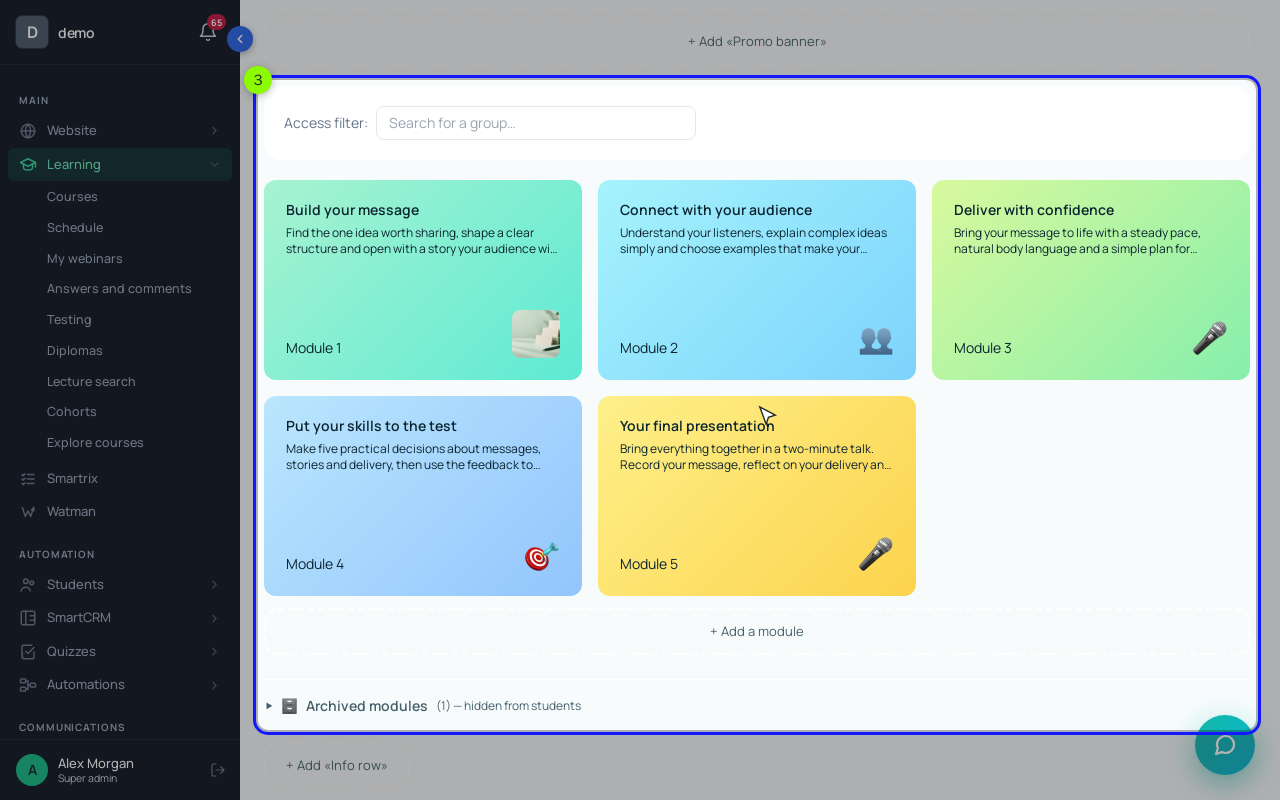
Lessons and learning. A course in "Learning" → "Courses" has its modules on the training page, and each lesson is a page of blocks: text, video, files. You can upload a lesson video straight from your computer, up to 1.5 GB per file. Homework sits in the "📋 Homework" card under the lesson. A "+ 📎 File" question takes uploads of up to 100 MB, and a minute of phone video can go over that, so for the dog course ask for short clips at a lower resolution, or a link in a "+ Long answer" question. Answers land in "Learning" → "Answers and comments", where the teacher comments and clicks "✓ Approve" or "↻ For revision".
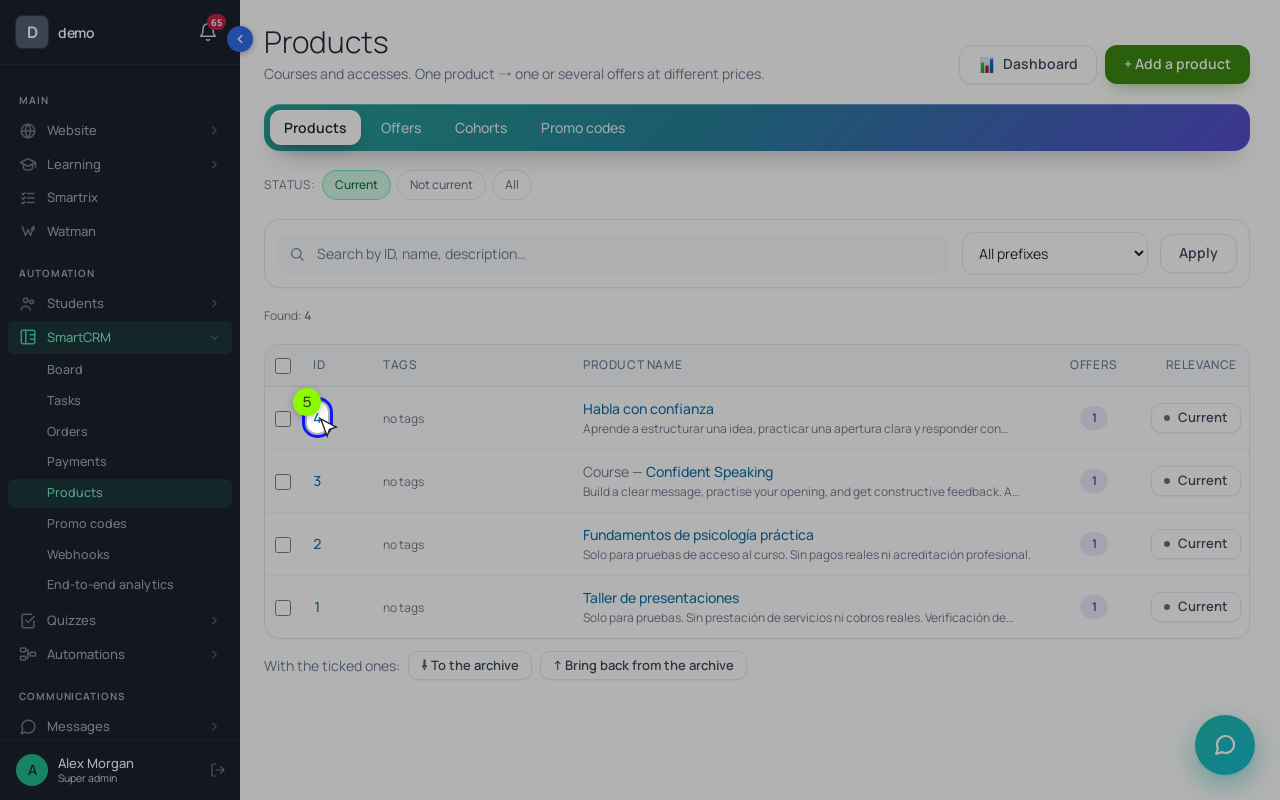
Selling and payments. "SmartCRM" → "Products" holds a product of the "Training access" type and its offers. Money goes to your own Stripe, PayPal or Mercado Pago account, and a paid order opens the course when "Buyers" is on in the course access. A full refund in PayPal or Mercado Pago closes access by itself; a Stripe refund doesn't reach the order, so you cancel the order with the reason "Refunded". Only Stripe subscriptions charge a card every month, and there's no separate instalment feature. A "Pricing" button on your site charges the offer's "Original" price, so discounts go through promo codes.
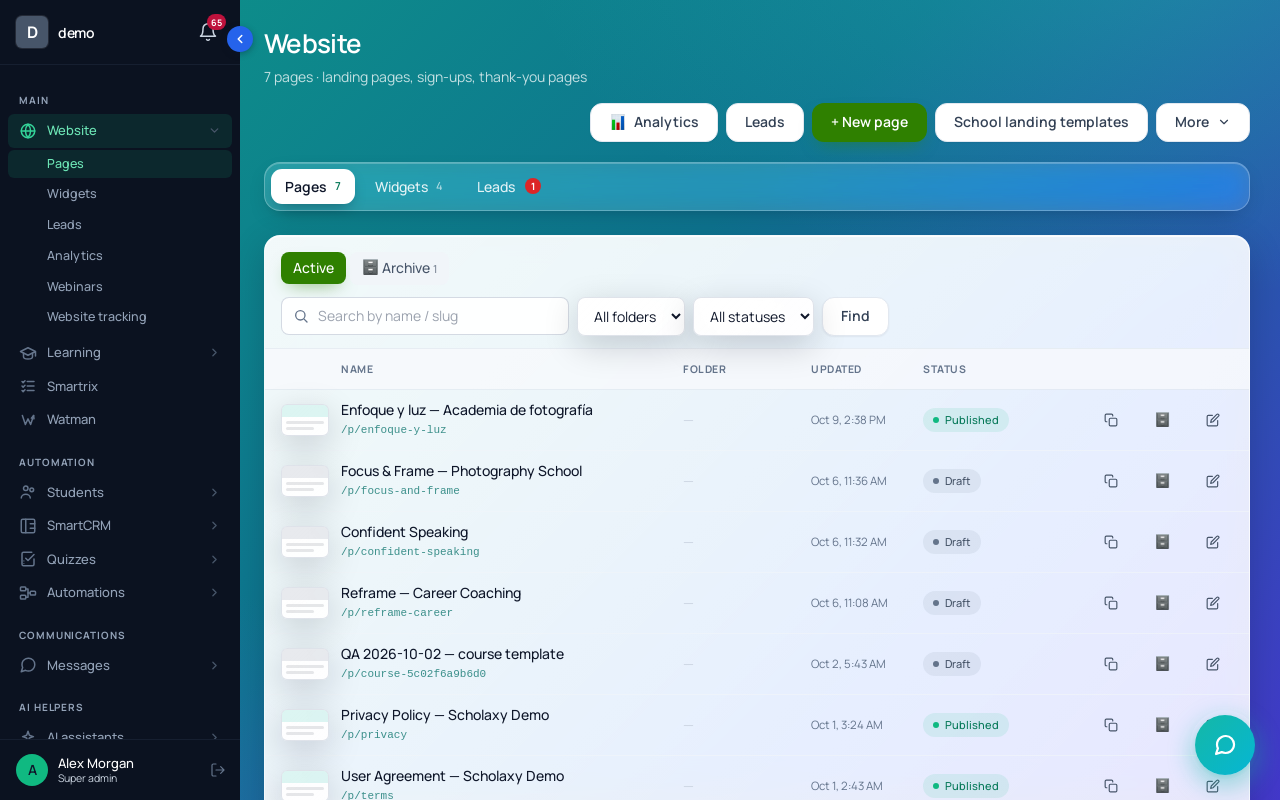
Pages. "Website" → "Pages" builds landing pages from blocks, with lead forms and "SEO and meta" settings for each page.
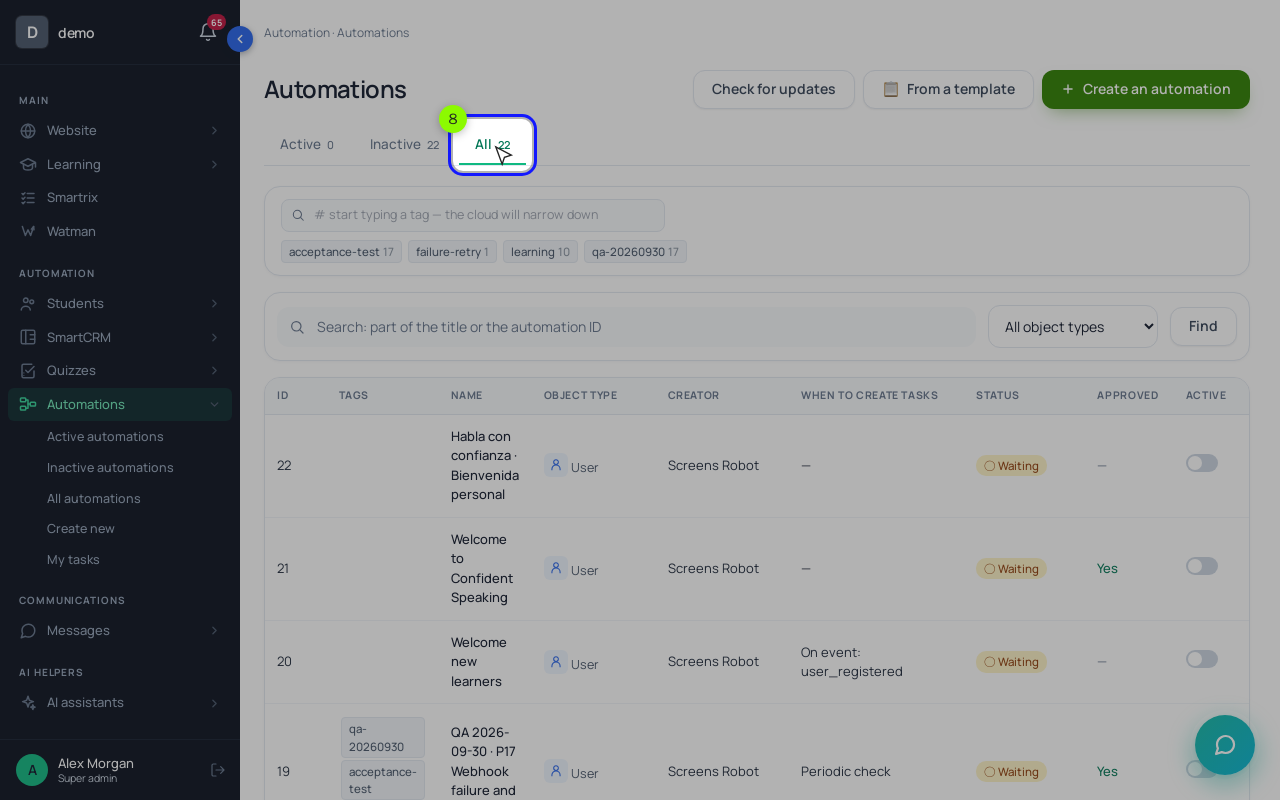
Automation. "Processes" are "when this happens, do that" rules: a trigger such as "Order paid" or "Homework submitted", then blocks like "Send an email", "Delay" and "Wait for condition". "🧪 Simulate" does a dry run before anything is sent. Bulk broadcasts need your own SMTP or SendPulse, SMS needs Twilio, and push broadcasts don't send yet.
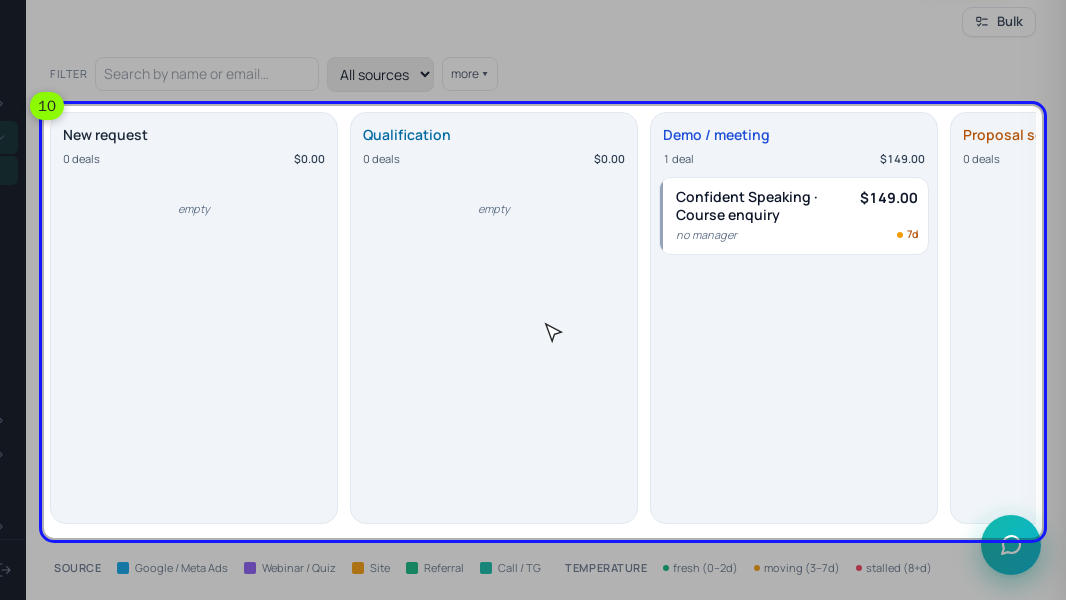
CRM. "SmartCRM" → "Board" starts with a "Sales" board. Deals carry tasks with due dates, "Create an order" turns a deal into a bill, and a paid order moves the deal to a won stage. Website requests become deals only after you choose a "Board" and an "Initial stage" for the page.
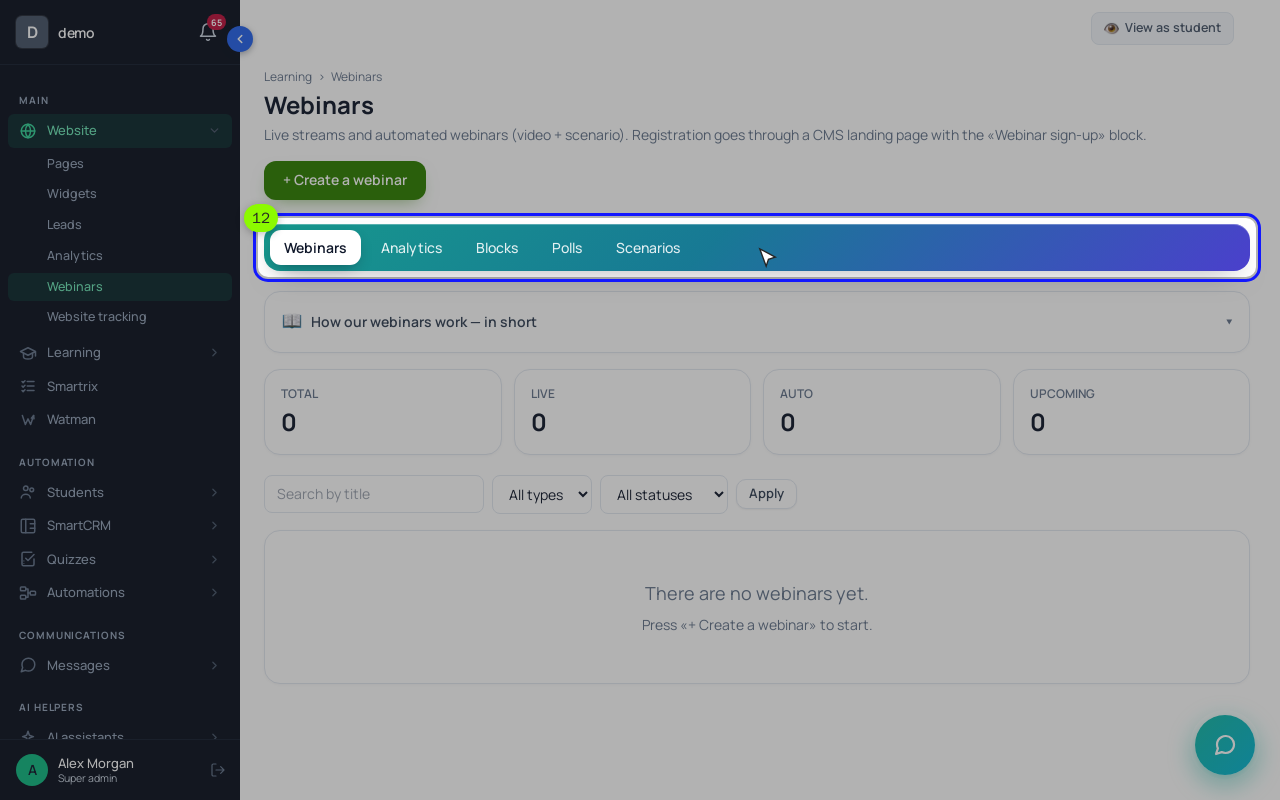
Webinars. "Website" → "Webinars" runs "Live" webinars and the "Automated webinar" with a timed scenario. People sign up through a "Webinar signup" block and get a personal link, and reminder emails go out a day and an hour before. A sales block in the room can create an order. The video comes from your streaming service, such as YouTube Live: the built-in broadcast isn't connected for schools yet, and with Zoom the room shows only a button that opens Zoom, without chat or watch-time tracking.
Brand, data and support. Name and logo go in "🎨 School brand"; the colours of the interface can't be changed. You can connect your own subdomain and send emails from your domain. Grades export to Excel, deals and leads to CSV. Existing students come in from a CSV or XLSX file, up to 500 per upload, or arrive through sign-up, forms, payments and manual adding. There is no free plan. A new school runs free for 30 days without a card, and after that the sign-up page says plans start from $79 a month, paid in advance by card with no automatic charges. Plans are sized by active learners over the last 30 days and by storage. If you don't renew, the school pauses and your data is kept.
Your next seven days
- Write the paragraph about your course and set the eight weights.
- Shortlist two or three platforms. Testing more costs more than it saves.
- In each trial, build one real lesson with homework and submit it from your phone.
- Connect a payment account in test mode, buy your own course, refund it.
- Build the two automations: a welcome after payment, a nudge after a week of silence.
- Run through the questions above, score each area 0–2 and multiply by its weight.
- Drop anything with a 0 in a weight-3 area, then choose by total and price.