Automated Follow-up Emails for Course Enquiries
Automated follow-up emails for course enquiries have two jobs. The first is to tell the person, within a minute, that their question arrived and who will answer it. The second is to bring the conversation back if it goes quiet after a human has answered. Answering the question itself is not their job: someone asked about your course, and a person reads it and writes back.
For a small school the setup is short: an automatic acknowledgement the moment the form comes in, a personal answer within a couple of working hours, then at most two automatic follow-ups a few days apart. Before each one, the system checks whether the person has replied, booked a call or paid, and stops if so.
The example: enquiries for a $1,450 bootcamp
Say you run a 10-week online bootcamp that prepares people for the CompTIA Security+ exam, priced at $1,450. The course page has an enquiry form with four fields: name, email, "Your background" (IT support, career changer, other) and "Your question". About 60 people a month fill it in, roughly three per working day, and two admissions advisers, Dana and Marcus, answer them.
Typical questions: "I've worked on a help desk for two years, is this too basic for me?", "Can my employer pay by invoice?", "I've never worked in IT. Can I pass?" No template answers these well.
Speed: what goes out in the first minute
The acknowledgement is the only email that should leave before a person has read the enquiry. Ours names the course in the subject line ("Your question about the Security+ bootcamp"), says who answers and by when ("Dana or Marcus will reply today; if you wrote after 6 pm, by 11 am tomorrow"), links the syllabus and the next start date, and comes from an address a person reads.
Only promise a time you keep. "We'll be in touch soon" promises nothing. "By 11 am tomorrow" is a deadline for your team, so set the internal limit first (we'd use two working hours for the personal answer) and write the acknowledgement to match.
Why not answer the question right there? Because almost every question here is about the person. A generic reply to "Is this too basic for me?" says "The bootcamp suits all levels". Dana reads "Your background" and writes: "With two years on a help desk you'll move fast through the networking weeks; plan extra time for week 6, cryptography." That is worth a two-hour wait.
Carry the context of the enquiry into every email
A follow-up without context reads like a newsletter: "Just checking in!" Three days later the person has forgotten what they asked. Three things from the enquiry should travel through the whole exchange:
- The course the form was on. One form per course gets you this for free: every subject line can name the course.
- What the person told you about themselves. Here that is "Your background", and the adviser uses it in the personal answer.
- The question in their own words. Quote it back in the personal answer: "You asked whether you can pass without IT experience."
The automatic follow-ups point back to that answer: "A couple of days ago we answered your question about the bootcamp. Did it cover what you needed?" The sentence is only true if a personal answer went out, so we start the follow-ups from the adviser's answer, not from the form. And with two advisers a fixed text can't know who answered: sign the automatic emails "Dana and Marcus, admissions".
When a person must reply instead of automation
A person writes the message whenever one of these is true:
- The enquiry contains a typed question (here, nearly all of them).
- It is about money: price, payment plan, an invoice for an employer, a discount.
- It asks about eligibility or results. "Can I pass with no experience?" needs an honest answer, and no automatic email should hint that a pass is guaranteed.
- It is for a group, say four people from one company.
- It sounds unhappy: a complaint, a refund, "I wrote twice and nobody answered".
- The person replied to an automatic email. The automation has done its job; the next message is human.
The automated follow-up emails, day by day
Day 0 is the enquiry day. If Dana's answer slips to the next morning, the later days shift with it.
Example follow-up plan for the $1,450 Security+ bootcamp (days count from the enquiry):
| Day | Who writes it | Not sent if | |
|---|---|---|---|
| 0 | Your question about the Security+ bootcamp | Automatic, right after the form | Always sent once |
| 0 | Re: your question | Dana or Marcus, by hand, within 2 working hours | Not automated |
| 2 | Did our answer cover it? | Automatic | They replied, booked, paid, said no or unsubscribed |
| 5 | Should we close your enquiry? | Automatic, the last one | Same; afterwards a call task for the adviser |
Day 2 leaves time to read the syllabus and ask a manager about the invoice. Day 5 is three days later, so the whole exchange fits inside a week. Short versions:
Day 2, "Did our answer cover it?": "Hi {first_name}, a couple of days ago we answered your question about the Security+ bootcamp. Did it cover what you needed? If a 15-minute call is easier, pick a time here."
Day 5, "Should we close your enquiry?": "We haven't heard back, which is fine. If the timing is wrong, no need to reply; we'll close your enquiry this week. If you'd like the payment plan or the next start date, reply with one word."
We'd stop at two automatic follow-ups. A third mostly reaches people who have already decided, and it can cost an unsubscribe from someone who might have joined the next cohort. The last touch goes to a person, as a task: one call, then close the deal or keep it open with a date.
Workload, in our example: if half of the 60 enquiries go quiet after the personal answer, 30 people need two follow-ups each. At about 4 minutes per email by hand, that is 240 minutes (4 hours) a month, and a forgotten follow-up leaves no trace.
When automated sales follow up must stop
The chain stops when the person replies (by email or in chat), books a call, pays, says no or unsubscribes. A second enquiry gets its own acknowledgement, but no second follow-up chain on top of the first.
The automation can't read a reply in Dana's mailbox, so it needs one signal it can check, and in a CRM that is the deal stage. The team rule: whoever talks to the person moves the card; payment moves it automatically. Right before each email, the follow-up checks the stage and stops if the card has moved.
The weak point is step 2. An adviser who answers and forgets to move the card leaves the system believing the person is waiting, and the day 2 email reaches someone who enrolled by phone yesterday.
Where follow-up automation goes wrong
Answers off the record. Dana replies on WhatsApp, the card stays put, and the deadline task fires anyway. Every channel needs the same habit: answer, then move the card.
Timers in clock hours. A two-hour limit on an enquiry sent at 9 pm creates the task at 11 pm. We'd accept that and start each morning from overdue tasks; a limit long enough to cover the night would make daytime enquiries wait too.
Follow-ups that start at submission. Then "Did our answer cover it?" can go out before anyone answered.
A fake personal acknowledgement. "Hi, Dana here!" at 9:02 pm, followed by the real Dana in a different tone next morning, makes the first message look fake. Sign it as the team.
Too many touches. If you need a third reminder to get replies, look at the personal answers that went unanswered before adding emails. And when someone simply isn't ready, move them to a lead nurturing sequence instead of chasing.
How to set this up in Scholaxy
Here is the bootcamp setup, step by step. The video shows the same screens.
1. Make the form carry the context
In "Website" → "Widgets", open "Edit form". On the "Fields" tab, tick "Required" on Email: without it there is no person card and no after-submit action runs. Add "Your background" as a "Dropdown" and "Your question" as "Multiline".
The answers appear on the lead card in "Website" → "Leads", under "Additional fields". The deal card shows name, phone, email and UTM tags but not the question, so advisers open the lead before writing.
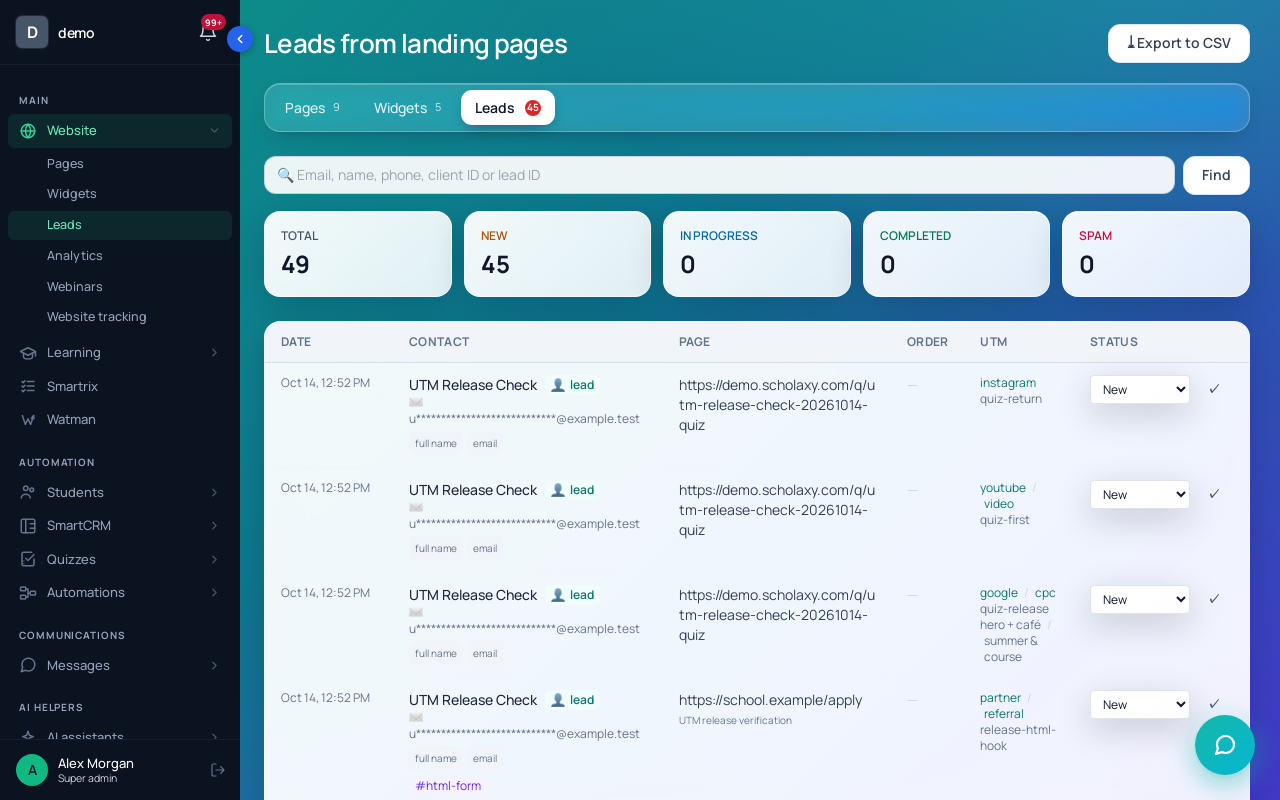
To make each enquiry a deal, choose a "Board" and an "Initial stage" under "Auto-conversion of leads into deals" in the page settings ("Classic" tab): "Sales" and "New request". Automatic owners are covered in CRM automation for course sales.
2. Send the acknowledgement from the form
Create a process "Enquiry received": object type "By LMS users", launch trigger "Disabled". On the canvas, "Send an email" with the acknowledgement ({first_name} works in the text), then an "Operation" → "Notify the employee" with {user_link}, so the advisers hear about the enquiry at once. Keep the student's email and phone out of that text: it goes to Telegram as is.
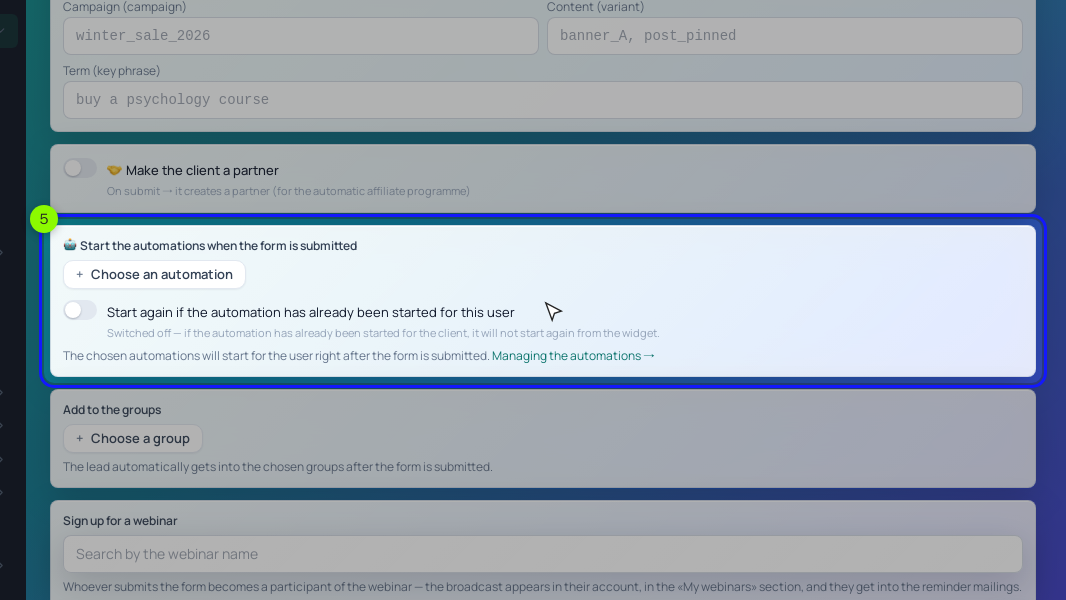
On the form's "After submitting" tab, pick the process under "Start the processes when the form is submitted" and turn on "Start again if the process has already been started for this user". Without it, someone who enquired in March gets no acknowledgement in May. A process started from a form runs even when it is inactive.
Replies to your school's emails go to the "Support email" on the "Email branding" page, so make it a mailbox the advisers read. To see replies in "Messages" → "Inbox", connect that mailbox in "Integrations" → "Email (receiving letters)".
3. Add the stage and two stage triggers
In the board settings (gear, then "Open" next to "Sales"), add the stages "Answered, waiting" and "Talking" after "New request" with "+ Stage". After the personal answer, the adviser drags the card to "Answered, waiting"; when the person writes back or books a call, to "Talking".
Then click "⚡ Stage triggers" and add two rules with "+ Trigger":
- "Source stage" "New request", "On going stale", "After" 2 hours, action "Create a task" titled "Answer the enquiry now". The task goes to the deal owner.
- "Source stage" "Answered, waiting", "On entering the stage", action "Start a process (scenario)" with the follow-up process from step 4.
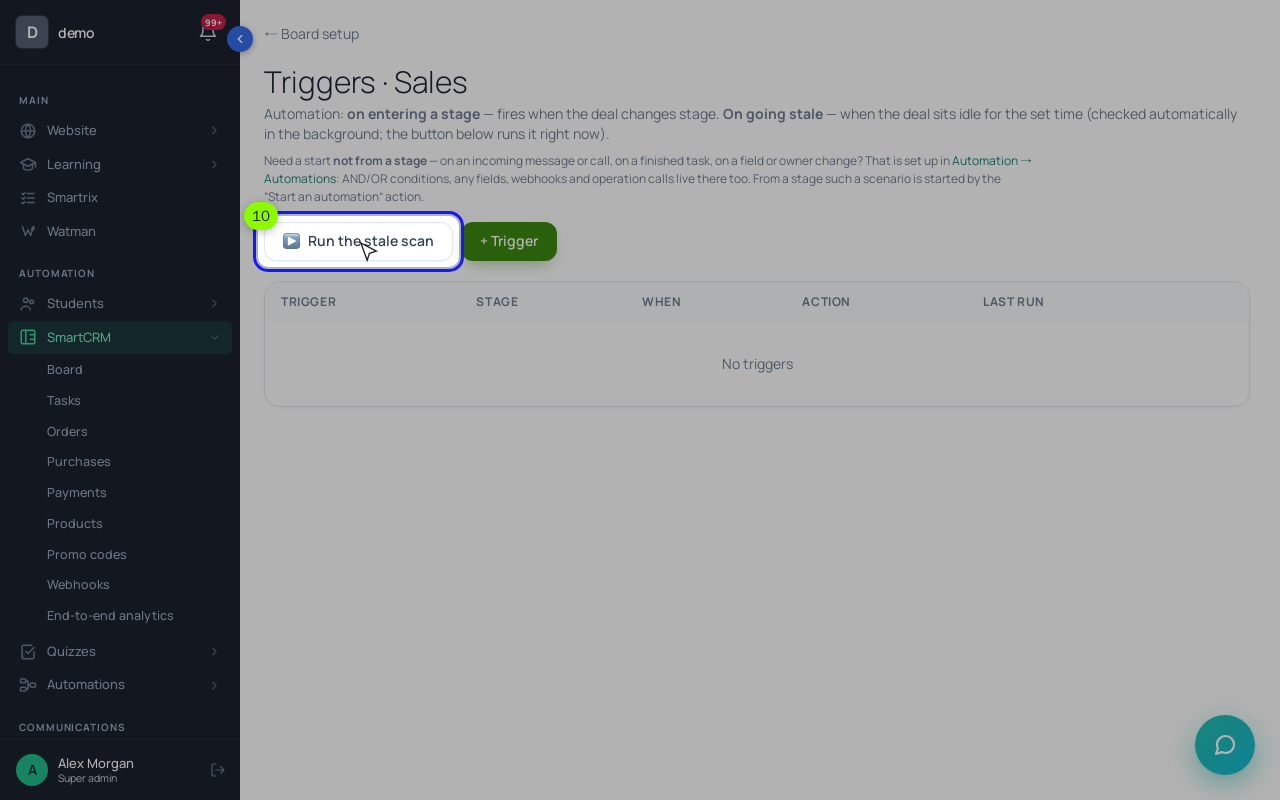
Why a process and not the trigger action "Send an email to the client"? That action sends the text exactly as typed: {first_name} is not filled in and unsubscribes are not checked. The process block "Send an email" fills in {first_name} and skips people who unsubscribed (they leave through its failed output).
4. Build the follow-up process
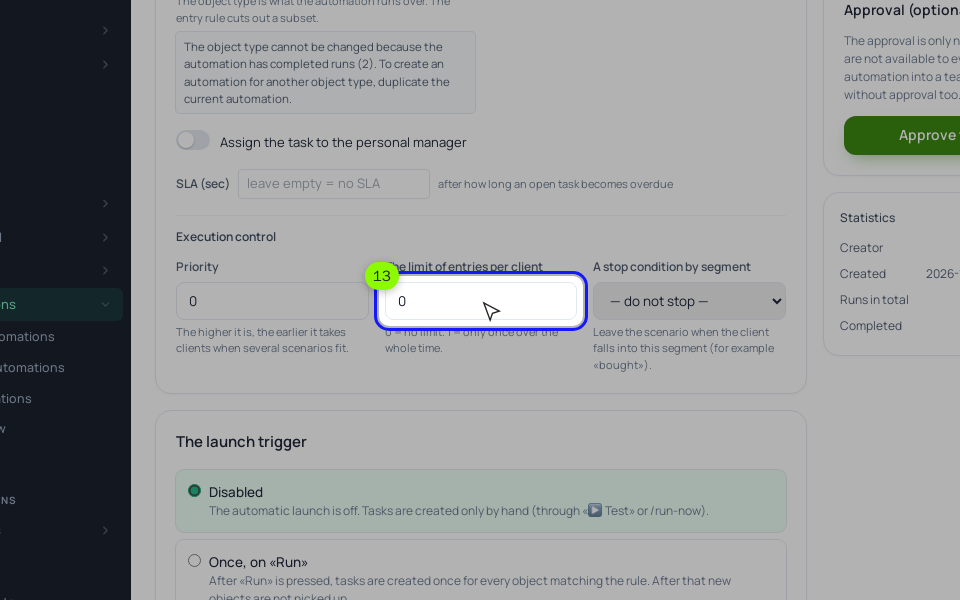
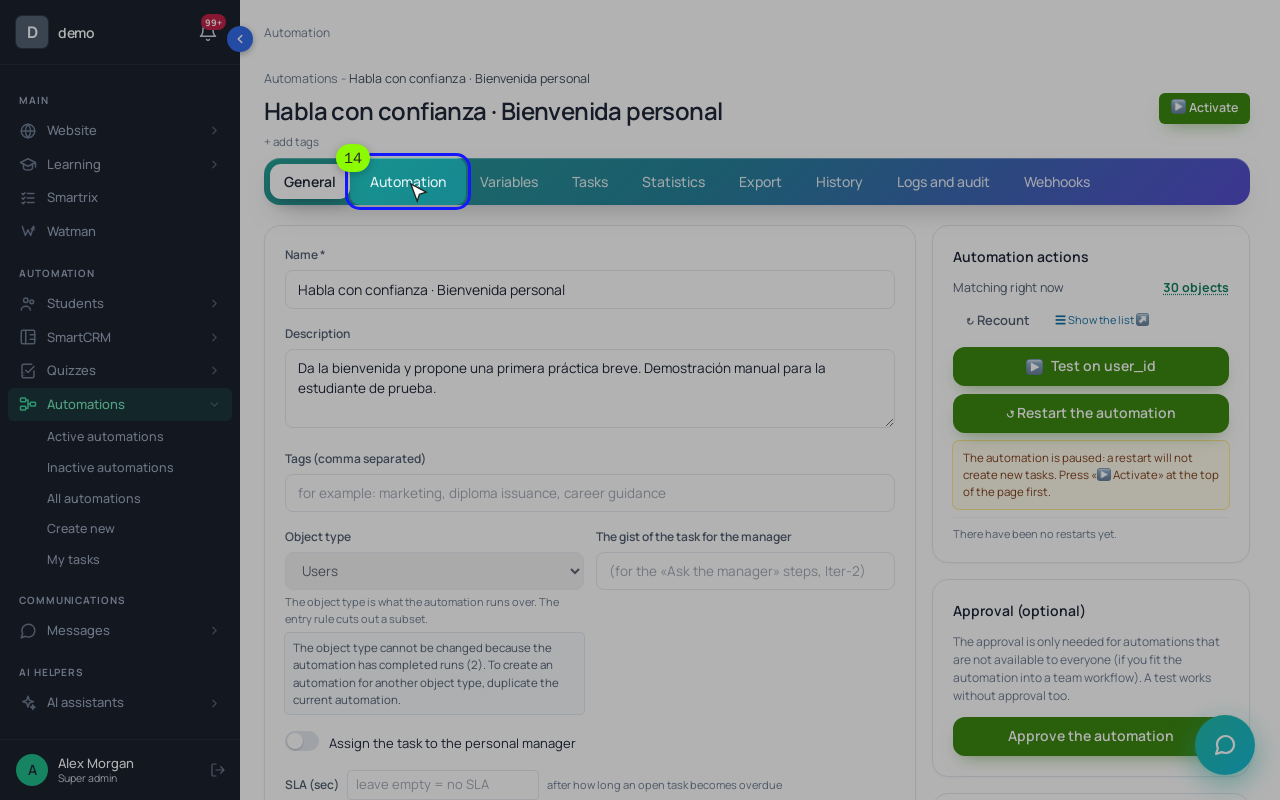
Create a process "Enquiry follow-up": object type "By CRM deals", trigger "Disabled". Click "▶ Activate" once anyway: a stage trigger starts only an approved process, activating approves it, and with the trigger "Disabled" it still never starts by itself. On the "General" tab, set "The limit of entries per client" to 1. In a process by deals that counts per deal, so a card dragged back into "Answered, waiting" doesn't get the emails twice, while the person's next enquiry (a new deal) still can.
On the "Process" tab, add the blocks in this order:
- "Wait for condition" with the rule "Stage", "none of", "Answered, waiting" and a timeout of 2 days. The default output (the deal moved: a reply, a call, a payment or a "no") goes to "End the process".
- The timeout output goes to "Send an email" with follow-up 1.
- Then a second "Wait for condition" with the same rule and 3 days. Default output: "End the process".
- Its timeout output goes to "Send an email" with the last note, then an "Operation" → "Set a task" titled "Call once, then decide", due in 1 day. The task lands on the deal owner.
"Wait for condition" checks the rule every 5 minutes and once more when the timeout runs out, so a card moved shortly before day 2 still stops the email. Payment needs no extra block when the order belongs to the deal: once it is paid, the deal moves to "Won" by itself and the wait ends on its default output. An order placed on the course page's own checkout isn't tied to the deal, so also pick a segment of people with access to the course in "A stop condition by segment of the linked user" on the "General" tab.
Before real enquiries arrive, send one with your own email, drag the test card to "Answered, waiting" and check the run on the process "Tasks" tab.
5. Work from the task list
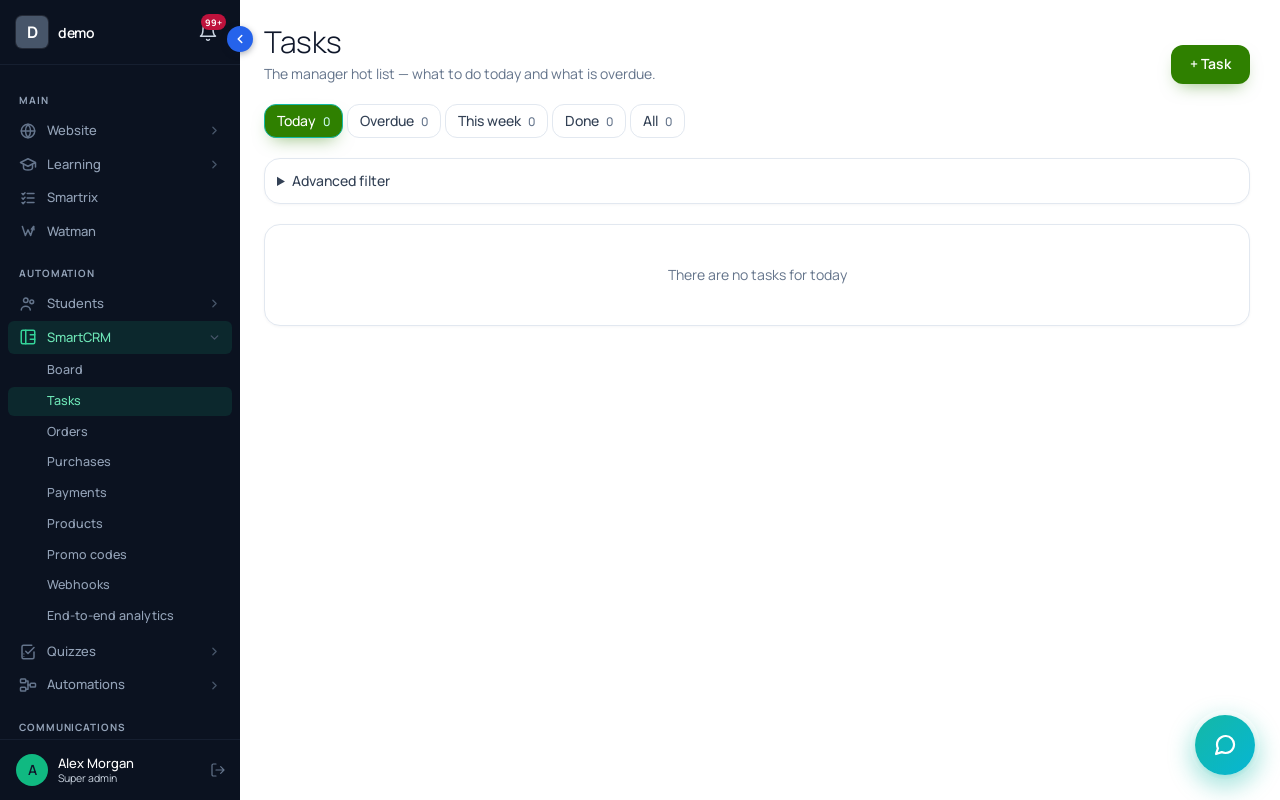
"SmartCRM" → "Tasks" collects "Answer the enquiry now" (an enquiry waited over 2 hours) and "Call once, then decide" (two follow-ups got no answer). Start the day from "Overdue" and "Today".
Setup order for the first week
- One form per course: Email required, fields for background and the question.
- Form connected to the board: each enquiry is a deal in "New request" with an owner.
- "Support email" set to a mailbox the advisers read.
- Acknowledgement process picked in the form, "Start again" on.
- Stages "Answered, waiting" and "Talking", and a team rule on who moves the card.
- Stale trigger on "New request": 2 hours, task "Answer the enquiry now".
- Follow-up process by deals: limit 1, waits of 2 and 3 days, two emails, one call task.
- One test enquiry with your own email, run checked.
- After two weeks: count the "Answer the enquiry now" tasks and, on the process "Statistics" tab, compare runs that stopped early with runs that reached the call task.
If most runs reach the call task, people aren't answering your personal replies, and that is where to look first. What a CRM does for an education business covers the rest of the enquiry pipeline.